Static PDFs don’t cut it when parts change and teams are spread out. With interactive 3D manuals made in Vectary, you can share up-to-date, step-by-step instructions that are easy to follow from any device or location.
Benefits
• Can be accessed globally on any device using a link or QR code • Easy to update and keep up to date with immediate sync options • Same design is applicable for both internal teams and customers • Fast option to customize information or even change branding • Puts the user in control to interact with the content as required
Studio features:
• Workspaces can store all 3D parts separately • Endless options for customization of floating UI components • Camera switch control for displaying specific parts • Stop/start animations to set up chapters • Instant sync of all changes on all shared viewers
Repair guide
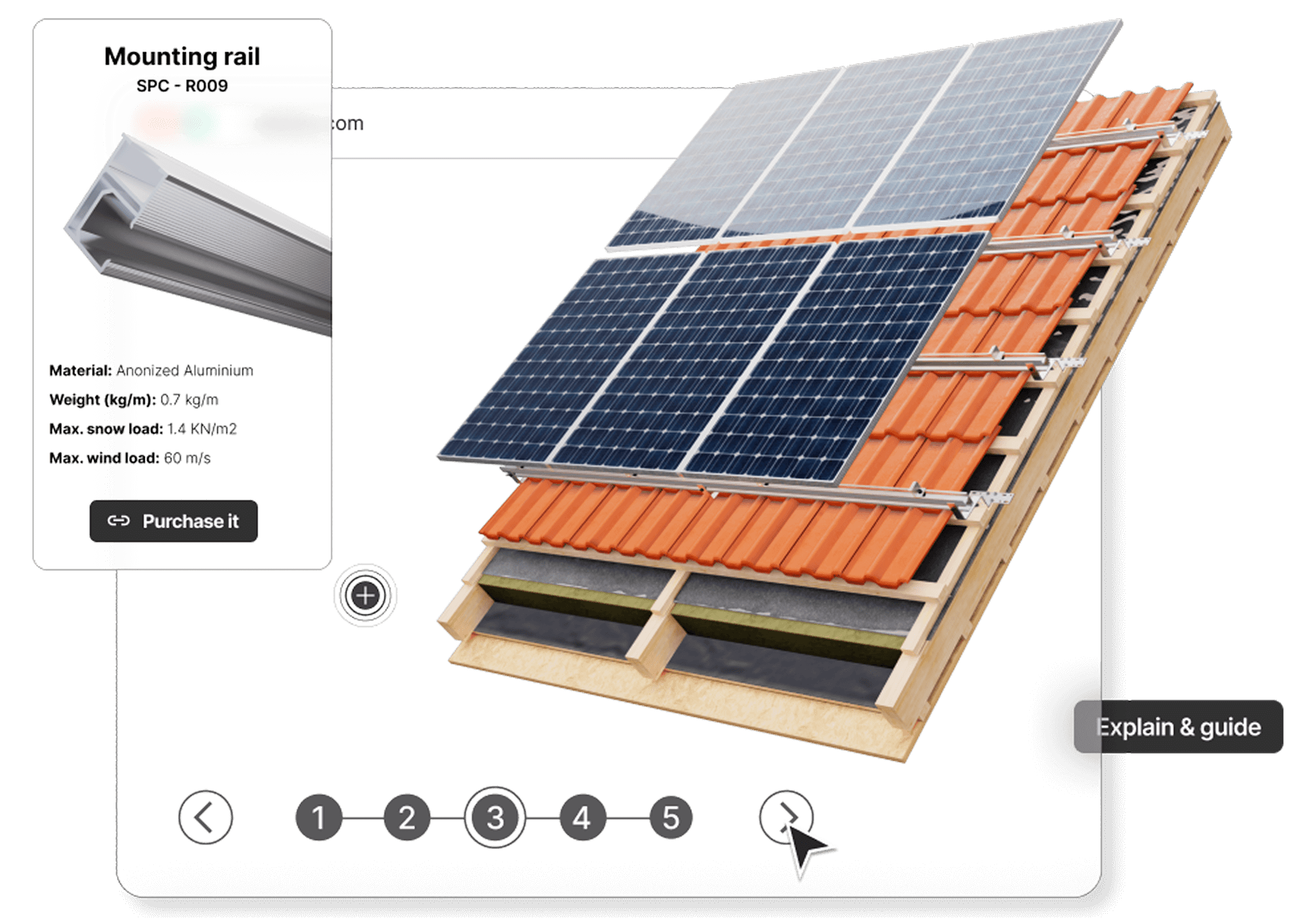
Connect each part in the manual to an external site, so that each item can be ordered, purchased or connected to a database using API settings.
Instructions separated into chapters
By adding clear steps to any assembly process maximizes the ability to absorb the information and minimize errors.
Advanced visualization technique
Focus on details that matter, but place the the guidance in a bigger context. The user can control the angle and zoom levels themselves.
Add multiple layers of information
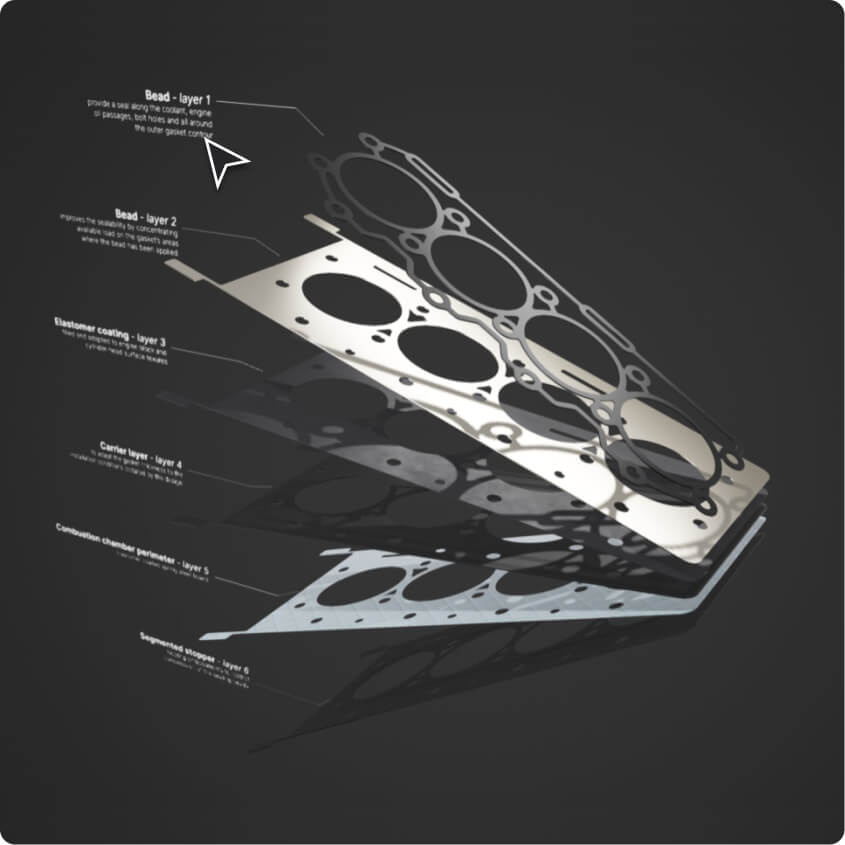
Besides showing assembly, highlight specific parts and provide layers of information like dimensions, materials, or bonus images.
Powerful creative options to improve information transfer
Incorporating these tools will create effects that neither video, nor 2D graphics can match.
Highlights
Use design techniques to highlight and focus attention.
External links
Connect to any online content, resource or file.
Augmented Reality Use it in combination with the physical location.